Maximo Anywhere Simulator issues with Google Chrome
Maximo Anywhere Simulator issues with Google Chrome
March 24, 2016
You know that Google Chrome is the preferred browser for previewing mobile apps when developing with Maximo Anywhere. However, it seems that Google Chrome automatic updates are a big pain because sometime the simulator stops working correctly.
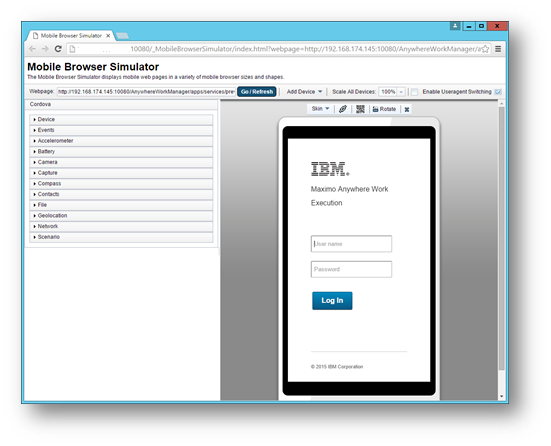
I know there were at least 3 problems caused by a Chrome update:
- Menu is not displayed correctly
- Mobile app is not responding to clicks
- Javascript error: win.doc.getCSSCanvasContext is not a function
I these situations you can always open a PMR to get a fix from IBM but I believe there is a better strategy. Use Chromium ! It is the OpenSource version of Chrome sharing the same code base but with no automatic update. You can download it from here: https://sourceforge.net/projects/crportable/files/?source=navbar I’m currently using Cromium 44.0.2383.0 and I no longer have to worry for a bad update.